

Tuesday, 11:40 p.m. A two-star Google review lands: “Waited 40 minutes for our food. Server was nice but the kitchen clearly forgot us.” — the kind of moment AI review response generators for restaurants are built for.
The owner reads it in bed. She knows she should reply — every restaurateur has heard that responding to reviews matters — but she is exhausted, the words won’t come, and by morning there are three more reviews to deal with. So the two-star sits there, unanswered, for six days.
I have watched this exact scenario play out with three restaurant owners I advise on their online presence. The problem was never that they didn’t care. It was that replying well takes 10 minutes per review, and nobody has 10 spare minutes during service.
AI review response generators promise to shrink that to 60 seconds: the tool drafts a reply in your restaurant’s voice, you approve or tweak it, and it’s posted. I tested five of them with real reviews (good, bad, and bizarre) from real restaurant Google Business Profiles. Here’s what actually works.
Why Every Review Deserves a Reply
Quick refresher on why this matters, because it motivates the whole workflow:
- Reviewers read your replies. A thoughtful response to a complaint convinces future guests more than a dozen five-star reviews with no replies.
- Google notices. Active review management is part of a healthy Business Profile, which supports your visibility in local search.
- It defuses anger. Many upset reviewers soften when they feel heard. A fast, human reply can turn a two-star reviewer into a returning customer.
The catch: “reply to everything” is easy advice to give and brutal to execute during a dinner rush. That’s the gap these tools fill.
What These Tools Actually Do
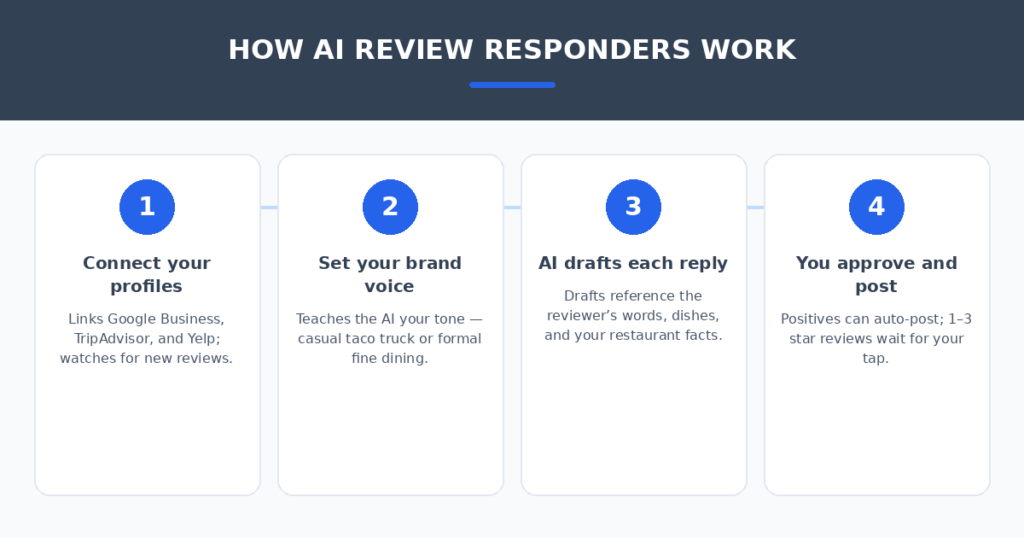
An AI review response generator connects to your Google Business Profile (and usually TripAdvisor, Yelp, and Facebook too), watches for new reviews, and drafts a reply for each one. The better tools let you:
- Set a brand voice — casual taco truck versus formal fine dining get very different drafts.
- Create response templates with variables — the AI fills in the reviewer’s name, the dish they mentioned, the specific complaint.
- Build an approval queue — drafts wait for a manager’s tap before posting. Nothing goes live without human eyes, which matters enormously for negative reviews.
- Auto-post positive review replies while holding negative ones for manual review — the most common setup I recommend.
What they don’t do: fix the underlying problem the reviewer complained about. The reply is step one; the operations fix is still on you.
How I Tested Them
I connected each tool to test profiles and fed them 25 real reviews I’d collected (with names removed): glowing five-stars, detailed complaints, vague one-stars (“bad.”), and a few funny ones. I scored the drafts on three things:
- Specificity — did it reference what the reviewer actually said, or produce generic fluff?
- Tone match — did it sound like the restaurant’s voice setting?
- Edit burden — how many seconds of tweaking before I’d be comfortable posting it?
The 5 Tools I Tested
1. MARA AI
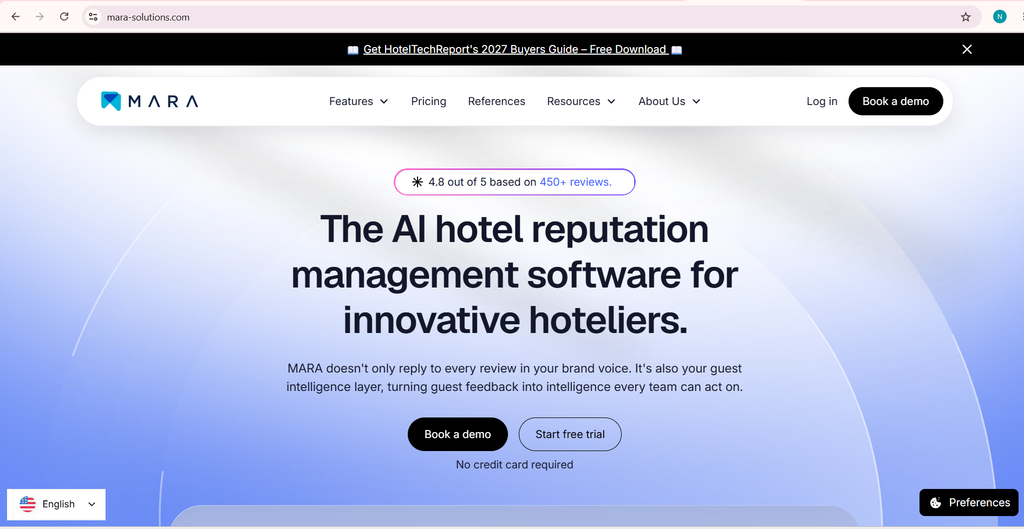
MARA is built specifically for review responses, and it shows. Its “Smart Snippets” feature is the standout: you teach it facts about your restaurant once (“our patio is dog-friendly,” “the chef’s tasting menu changes monthly”), and it weaves them naturally into replies. In my tests it produced the most specific drafts — it referenced actual dishes from reviews far more often than the others.
The voice settings are granular enough to distinguish “warm and casual” from “professional but friendly,” and the difference came through in the drafts.
- Pros: Most specific, least generic drafts; excellent brand-voice controls; learns your restaurant’s facts.
- Cons: Priced per location, which adds up for multi-unit groups; no broader reputation dashboard.
2. Podium
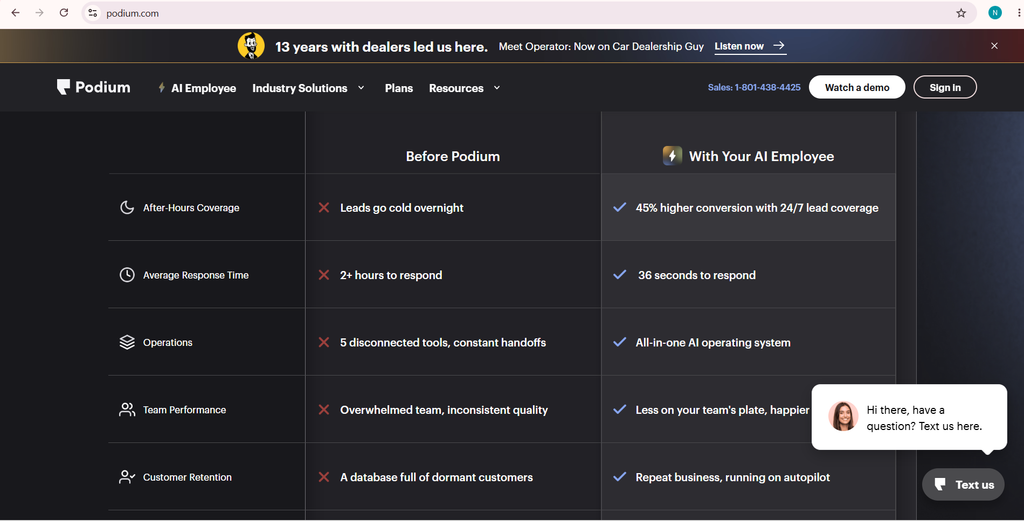
Podium is the full-suite option: review monitoring, messaging, payments, and AI-drafted responses in one platform. The AI replies are solid — not quite as sharp as MARA’s, but good — and the real value is consolidation. Reviews, text-message conversations with guests, and feedback requests all live in one inbox.
For a busy restaurant, the review request feature might matter more than the response generator: Podium texts happy guests a review link after their visit, which steadily grows your review count. More reviews plus fast replies is the whole local-SEO flywheel.
- Pros: All-in-one guest messaging and reviews; strong review-request flow; good mobile app for managers.
- Cons: Higher price point; the AI drafts need slightly more editing than MARA’s.
3. NiceJob
NiceJob’s angle is automation of the entire reputation loop: request reviews, monitor them, draft responses. The AI response quality is decent — it handled positive reviews nearly perfectly and produced workable first drafts for complaints. Where it shines is the “set it and forget it” factor: positive reviews can be replied to and posted automatically under rules you define, while anything three stars or below waits in your approval queue.
Setup was the simplest of the five. If you want the least ongoing effort, start here.
- Pros: Easiest setup; reliable auto-reply rules for positive reviews; affordable for single locations.
- Cons: Drafts for negative reviews need more human rewriting; fewer voice-tuning options.
4. Birdeye
Birdeye is the enterprise-grade choice that also serves single locations. Its AI drafts were consistently professional and safe — the kind of reply a PR person would approve. It was slightly too polished in my tests, occasionally sounding corporate for a neighborhood restaurant, but the tone settings can dial that back.
The analytics are the best here: sentiment trends across reviews, common complaint themes, response-time tracking. If you manage multiple locations and want to spot that “slow service” mentions are climbing at one specific branch, Birdeye earns its keep.
- Pros: Best analytics and multi-location management; consistently professional drafts; wide review-site coverage.
- Cons: Can sound corporate out of the box; pricing reflects the enterprise feature set.
5. Widewail
Widewail takes a different approach: it’s a managed service with AI assistance, meaning real humans review and polish responses alongside the AI. The drafts I received were the most human-sounding of the bunch — because a human had touched them. Response quality for tricky negative reviews was clearly the best.
The tradeoff is speed and cost. You’re paying for a service, not just software, and turnaround is measured in hours, not seconds. For a restaurant that gets a handful of reviews a week and wants every reply perfect, that’s a fine trade.
- Pros: Most human-sounding replies; great for difficult negative reviews; zero effort on your side.
- Cons: Slowest turnaround; highest cost; less control over exact wording.
Setting One Up in an Afternoon
Here’s the workflow I recommend, regardless of which tool you pick:
- Connect your Google Business Profile first. That’s where 90% of restaurant reviews live. Add TripAdvisor and Facebook if you’re active there.
- Write your voice guidelines. Two or three sentences: “We’re a family-run Italian place. Warm, a little playful, never defensive. Sign replies with a first name.” This single step improves draft quality more than any setting.
- Feed it facts. Menu highlights, policies (dog-friendly patio, live music Fridays), the manager’s name. Tools like MARA use these to make replies specific.
- Set the automation rules. My recommended default: auto-post replies to 4–5 star reviews, hold 1–3 star reviews for manual approval. Positive replies still get a quick glance in the queue.
- Assign one owner. Even with AI, someone needs to clear the queue daily. Ten minutes each morning beats an hour every Sunday.
How to Keep Every Reply Sounding Human
The tool drafts; you make it human. Five tactics that take seconds:
- Name the specific thing they mentioned. “Glad you loved the burnt-end sandwich” beats “Glad you enjoyed your meal” every time. If the draft is generic, add the detail yourself.
- Vary your openers. If every reply starts “Thank you for your feedback,” regulars notice. Rotate through a few.
- Match their energy. An ecstatic five-star review deserves enthusiasm, not corporate calm. A furious one-star deserves calm acknowledgment, not exclamation points.
- Sign with a real name. “— Maria, manager” transforms a reply from brand-speak into a person talking.
- Never argue, never copy-paste. The fastest way to look robotic is posting the same “we’re sorry you feel that way” under every complaint. If the draft feels canned, rewrite the middle sentence — that’s usually enough.
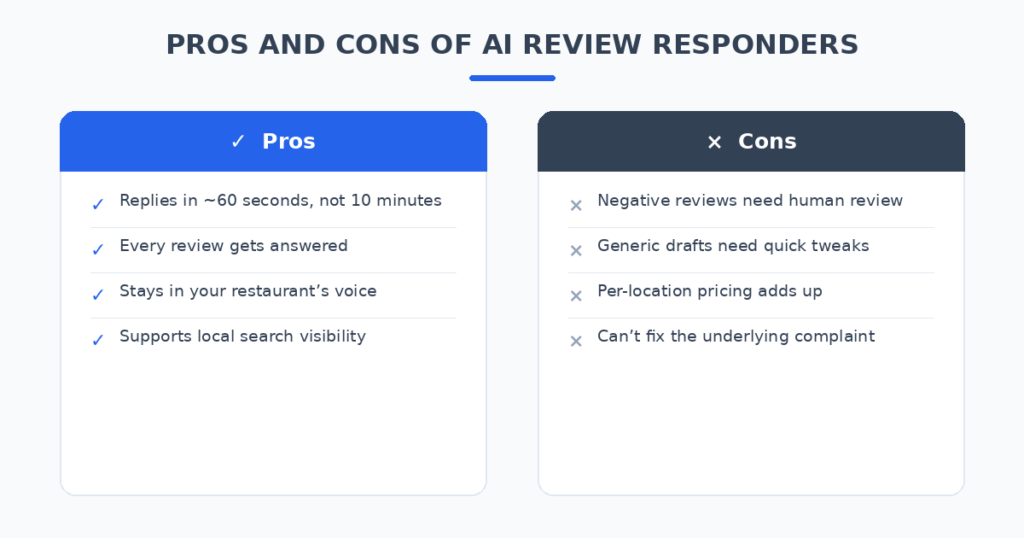
AI Review Response Generators for Restaurants: Pros and Cons at a Glance
| Tool | Best for | Review coverage | Standout strength | Watch out for |
|---|---|---|---|---|
| MARA AI | Most natural drafts | Google, TripAdvisor, Yelp | Smart Snippets with your facts | Per-location pricing |
| Podium | All-in-one guest comms | Very wide | Review requests + messaging | Higher price |
| NiceJob | Hands-off automation | Wide | Auto-reply rules | Weaker negative-review drafts |
| Birdeye | Multi-location analytics | Widest | Sentiment trends | Can sound corporate |
| Widewail | Perfect replies, zero effort | Major sites | Human-polished responses | Slowest, priciest |
FAQ
Will customers know a robot wrote the reply?
Only if you let it post unedited generic drafts. In my tests, approved-and-lightly-edited AI replies were indistinguishable from hand-written ones. The giveaway is always vagueness — fix that and nobody can tell.
Should I auto-post replies to negative reviews?
I don’t recommend it. Hold anything three stars and below for human approval. A bad automated reply to an angry review is worse than a slow reply. Positive reviews are safe to automate.
How much time does this actually save?
Writing a good reply by hand takes me 8–12 minutes. Reviewing and tweaking an AI draft takes 1–2 minutes. A restaurant getting 30 reviews a month saves roughly four to five hours — and more importantly, replies actually get posted instead of piling up.
Does replying to reviews help my Google ranking?
Google has consistently treated review engagement as part of a healthy Business Profile. Replies alone won’t outrank a competitor with 500 more reviews, but combined with steadily earning new reviews, fast responses support your local visibility. Think of it as necessary, not sufficient.
What about fake or unfair reviews?
Don’t litigate in the reply. A calm, brief response (“We take this seriously — please contact us directly so we can look into it”) signals professionalism to everyone reading. Most platforms also have a process to flag reviews that violate their policies; use it separately from your public reply.
My Verdict
For most independent restaurants, MARA AI produced the best drafts for the money — specific, on-voice, and fast. If you want your whole guest communication in one place and can justify the spend, Podium is the stronger platform. And if you’d rather not touch replies at all, Widewail’s human-polished service is worth pricing out.
Whichever you choose, the tool is only half the system. Set your voice guidelines, feed it real facts about your restaurant, auto-post the positives, and personally handle the negatives. Do that and the two-star review at 11:40 p.m. gets a thoughtful reply by breakfast — written in 90 seconds, sounding like you on your best day.
Reviews are one half of the guest experience; the other half is everything that happens before they arrive. If your restaurant takes bookings or gets the same questions daily (“do you have outdoor seating?”), AI chatbots for small business websites can handle those conversations around the clock. And if staffing is the deeper problem behind those slow-service reviews, I also tested AI resume screening tools for small businesses that cut hiring admin dramatically.
Related reading
- AI social media post generators
- AI receptionist for missed calls
- AI chatbots for small business websites
Sources: Google Business Profile